
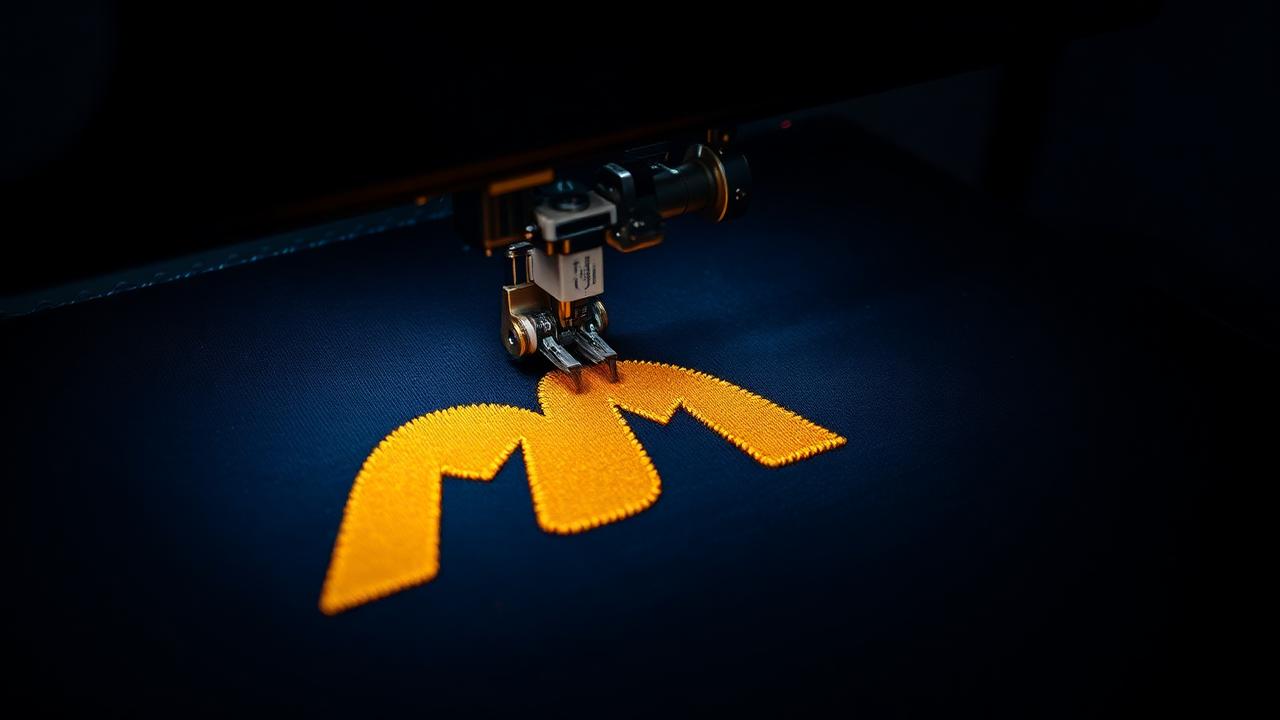
What a DST file contains
A DST file is a list of stitch commands: needle moves, jumps, trims and colour stops, stored as relative movements in 0.1 mm steps. It is not an image — you cannot open it in Photoshop, and you cannot scale it much without changing how it sews.
- Stitch coordinates and jumps
- Colour-change stops (but not the actual thread colours)
- Design size and stitch count in the header
What DST does not store
DST files have no thread-colour information. The machine only knows "change to the next needle", so the operator assigns colours at the machine. That is why many shops ask for a DST plus a colour sheet or PDF. If you need colours embedded for a home machine, use PES (Brother/Baby Lock) or another home format instead.
Which machines read DST
Tajima, Barudan, SWF, Happy, Ricoma and most other commercial multi-needle machines read DST. Many home machines also accept it, but check your manual — Brother home machines prefer PES, Janome prefers JEF, and Singer uses XXX.
How to make a DST file from a logo
Converting a PNG or JPG into DST means digitizing: rebuilding the artwork as fill and satin stitches with underlay, pull compensation and a sensible sew order. Renaming an image to .dst does nothing — the stitches have to be planned.
With StitchAI Pro you upload your logo, choose the size in mm or inches, preview the stitches, and download a DST (plus PES, JEF, EXP, VP3, XXX) together with a colour PDF. New accounts get 15 free credits — enough for one embroidery conversion.
Tips for a clean DST
Digitize at the final sew size rather than resizing the DST afterwards, keep text at least about 5 mm tall, limit near-identical colours, and always test-sew on similar fabric before a production run.