
Digitizing 7 min
How to Turn a Logo Into an Embroidery File (DST, PES, JEF)
What actually happens between a flat PNG logo and a machine file that sews cleanly the first time — and the settings that decide whether it does.
Read guideResources
Everything we learned building production embroidery and vector files — stitch settings, format choices and the economics of keeping digitizing in-house.
What actually happens between a flat PNG logo and a machine file that sews cleanly the first time — and the settings that decide whether it does.
Read guide
Tracing is easy. Getting closed paths, flat colour separations and edges that hold up on a banner is the part that takes real processing.
Read guide
Most shops price digitizing as a $15 line item. The real cost is the 24-hour gap it puts between a quote and a yes.
Read guide
The same file that sews perfectly on a polo will register badly on a cap. The fix is sequencing, underlay and size — not thread tension.
Read guide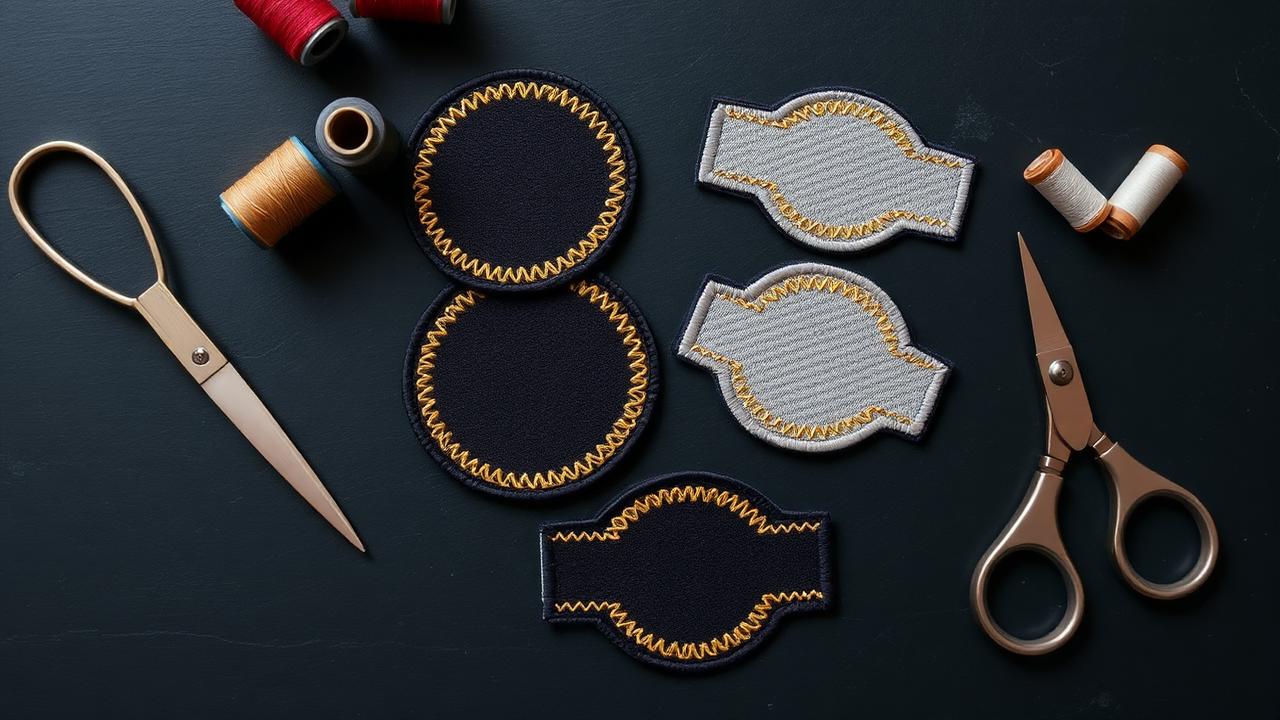
Patches forgive almost nothing at the edge. Get the border and radius right and the rest of the design becomes easy.
Read guide
Send the wrong format and the machine either refuses the file or drops your colour stops. Here is the short version.
Read guide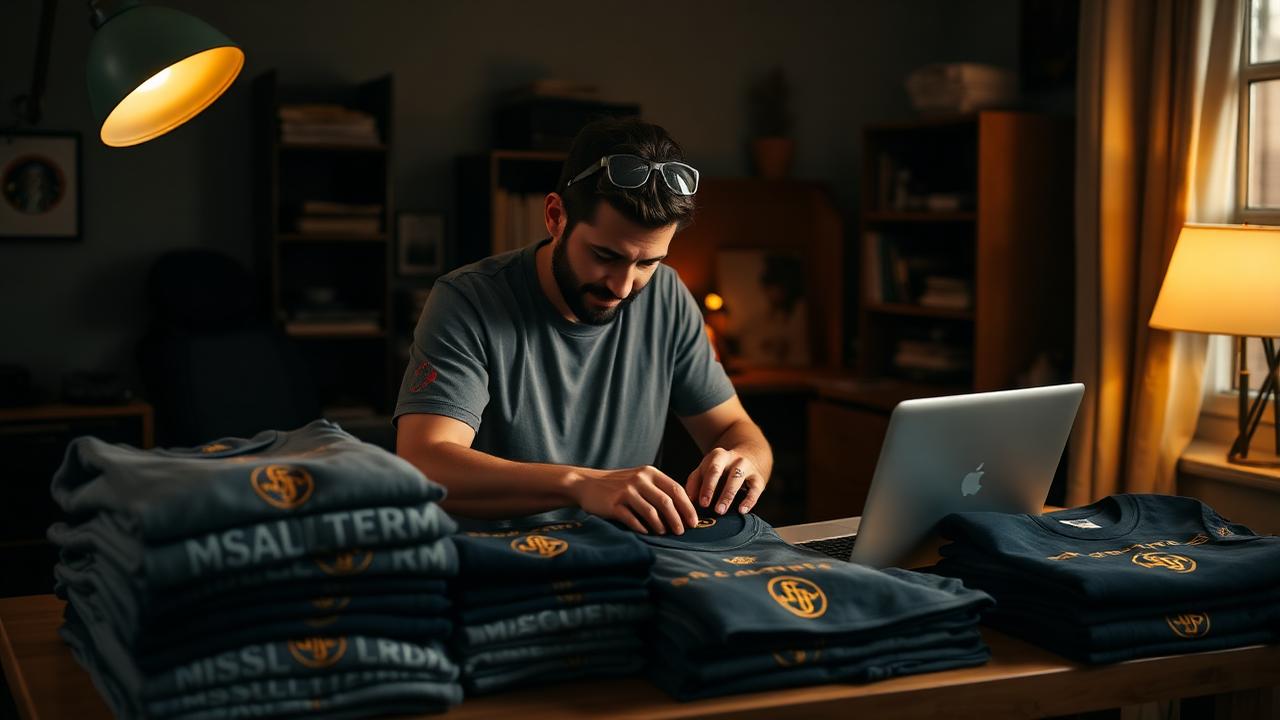
The seller who replies with a stitch simulation in ten minutes wins the order from the seller who replies with a question.
Read guide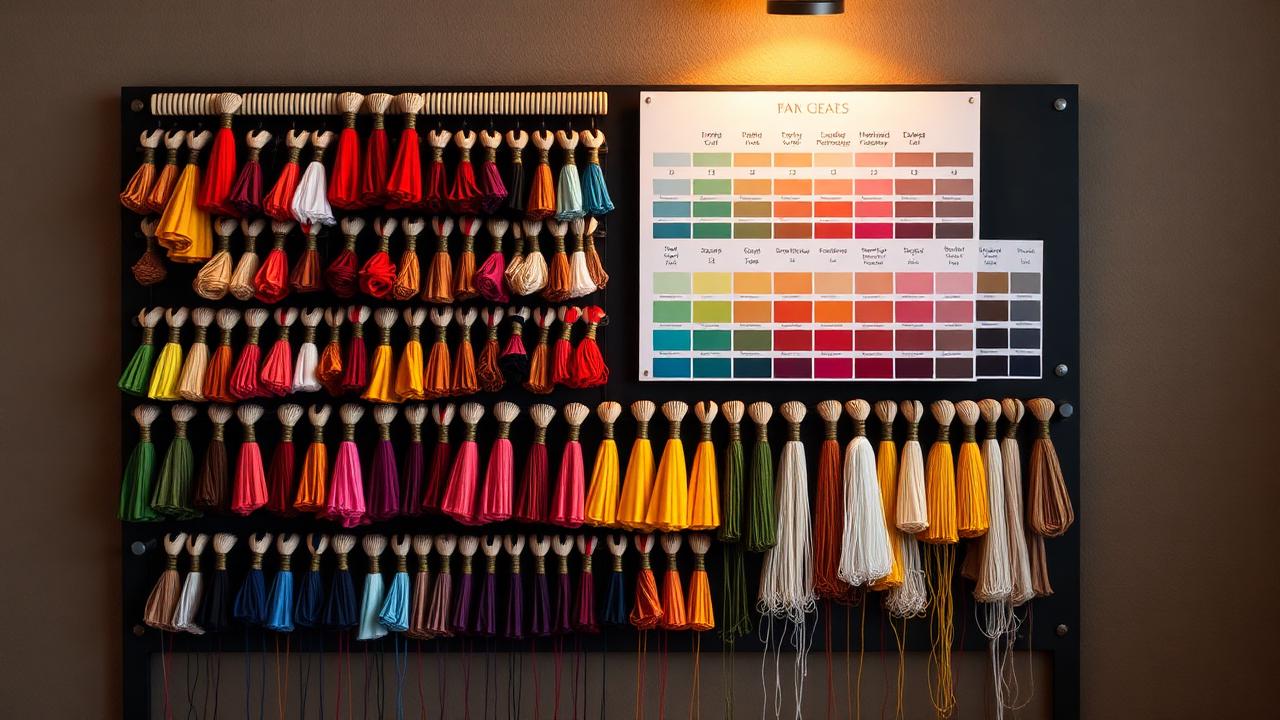
Thread is not ink. Matching a brand palette is a set of substitutions, and fewer colour stops usually sews better.
Read guideNew accounts get 10 free credits. Upload artwork and see a stitch simulation before you pay for anything.
Open the studio